Devlog
Devlog 4: Making the Trailer for +1 Nose to Escape
 By AllanIsGreasy · September 29, 2026 · 2 min read
A Roblox game page can show a short video next to the thumbnail. I made one for +1 Nose to Escape, and it took nine versions. Here's how it came together and what I changed along the way.
Recording it inside the game
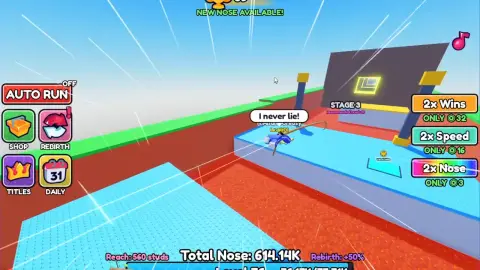
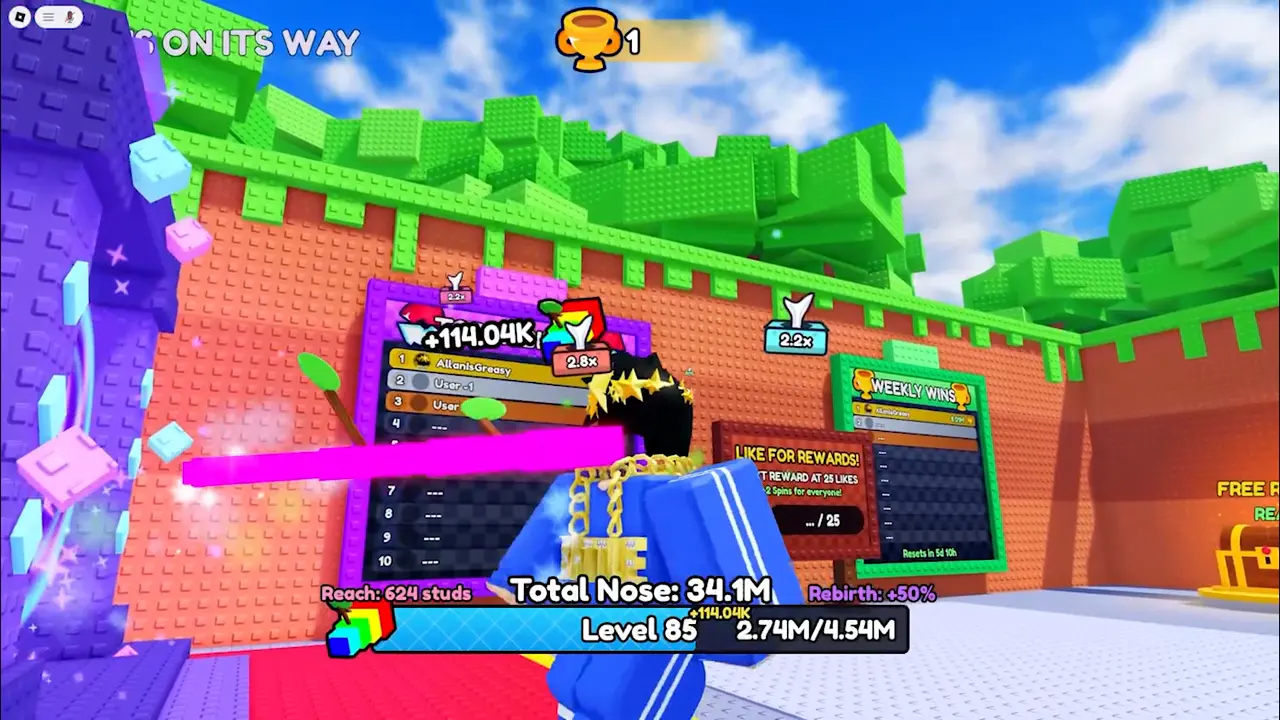
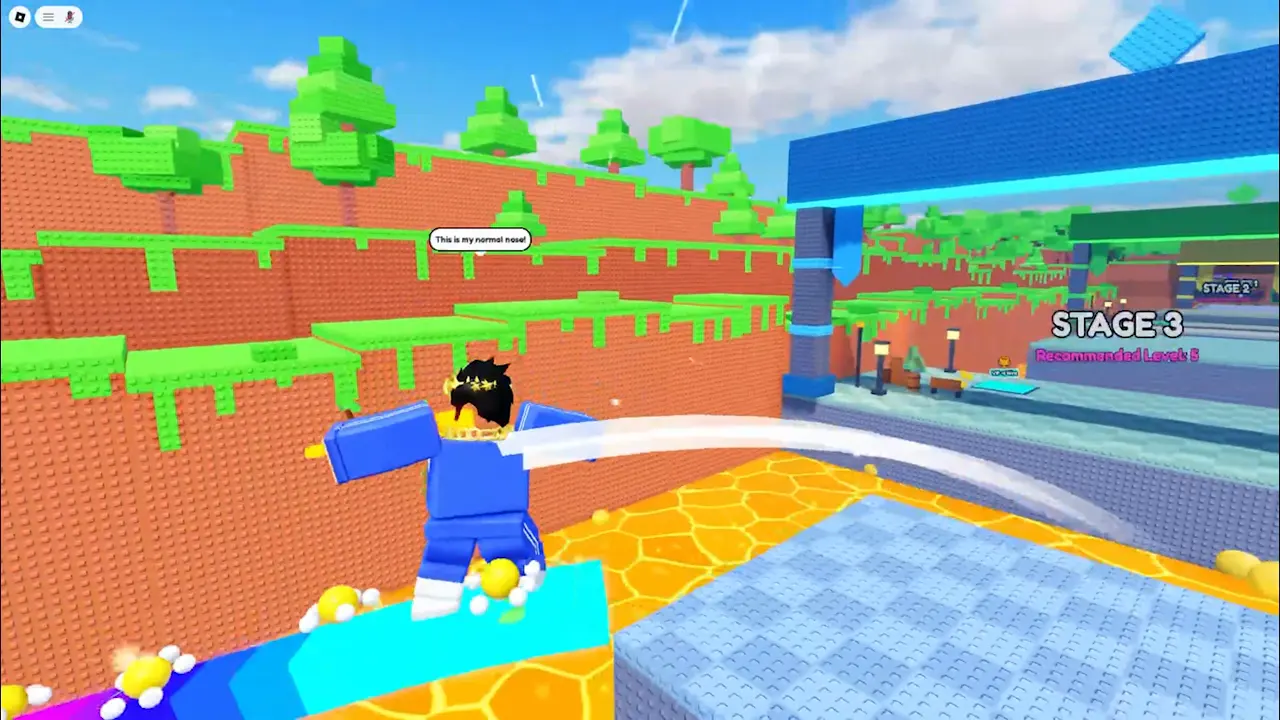
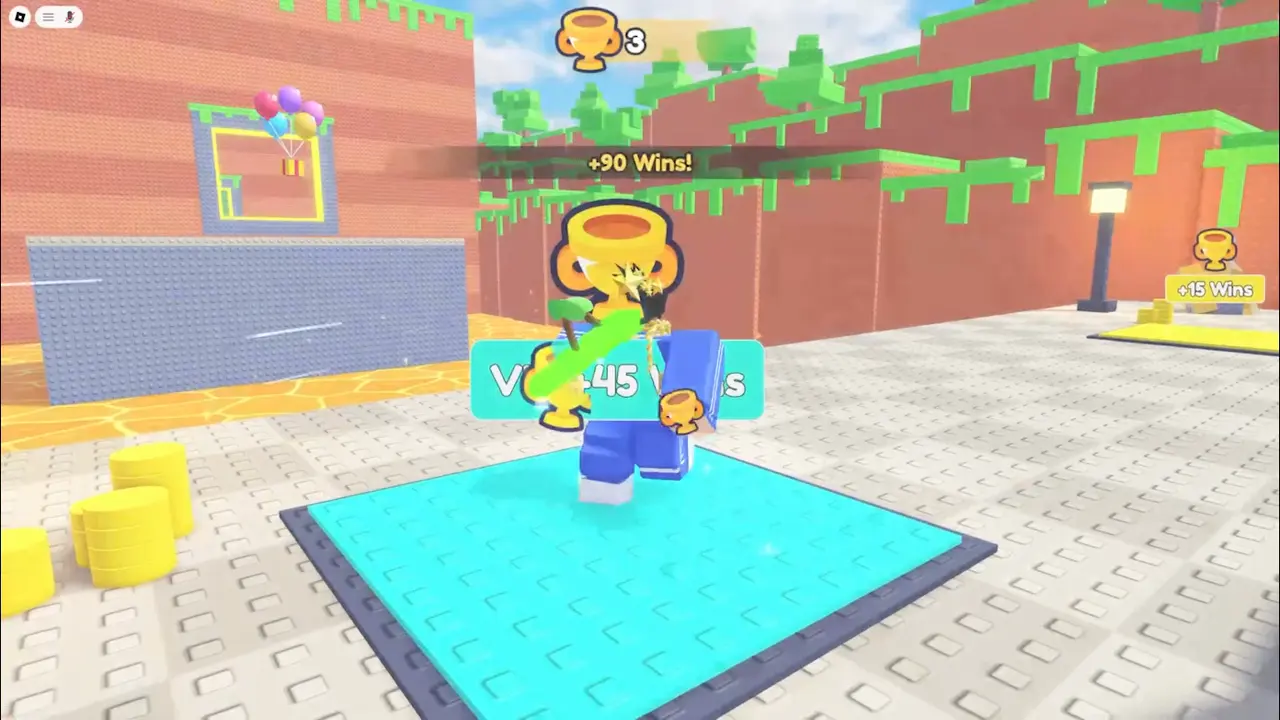
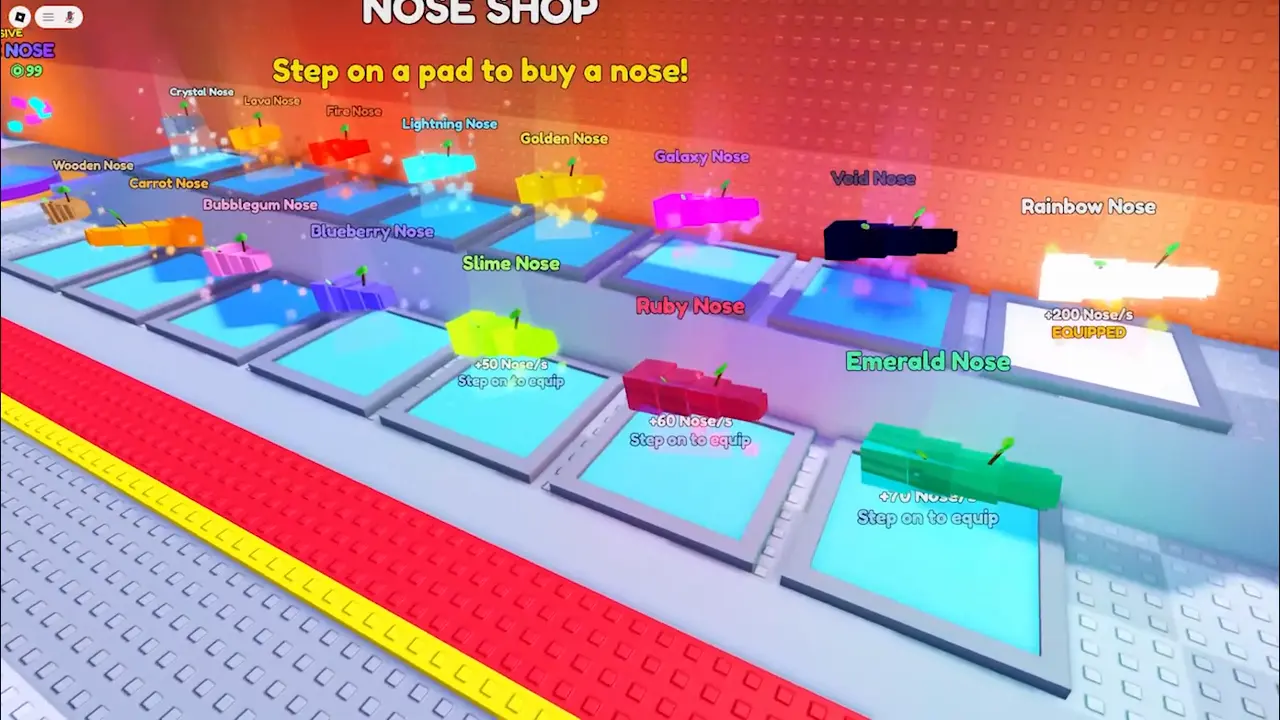
I didn't want a trailer made of random clips, so I built a sequence into the game. I press one key and the game plays through a whole run by itself: training on a treadmill, stretching across Stage 3, stepping on the win pad, the Nose Shop and the wheel. I recorded that with OBS. Because it's the same every time, I could record it again whenever something in the game changed.
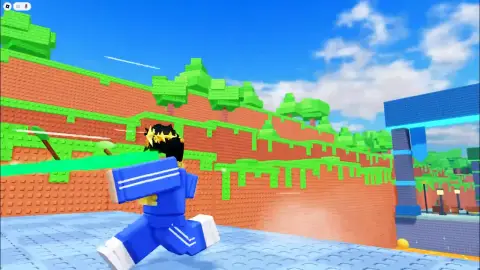
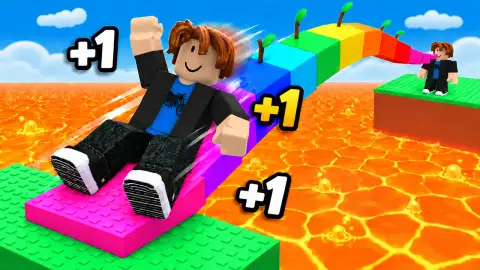
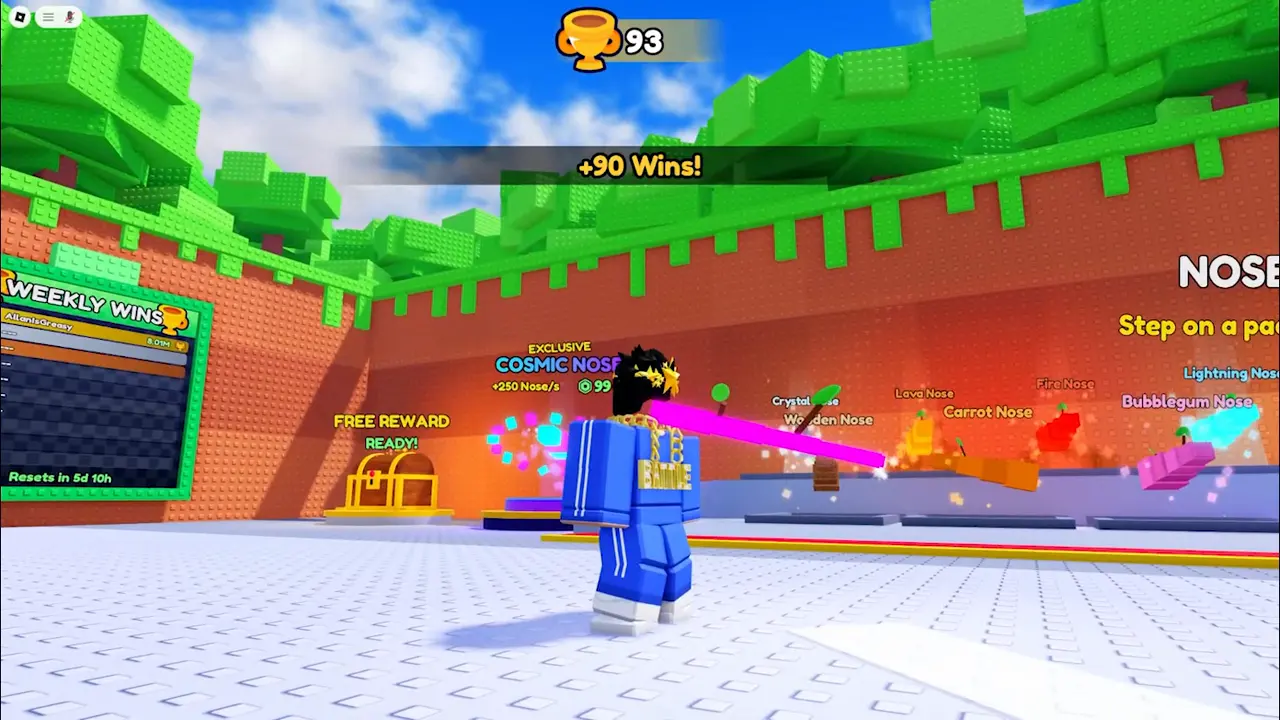
Every picture on this page is a frame from that recording.
Straight into the gameplay
My first versions opened with the logo. I cut it. On a game page people decide in about two seconds, so the trailer starts with the nose already stretching. There's no logo, no end card and no "on Roblox" text either. It's all gameplay, under 30 seconds.
Captions that don't cover anything
The trailer has a few short captions, in the same chunky font as the game. The rule I ended up with: a caption can never cover a number or sign in the game. When the Wins counter is at the top of the screen, the caption goes at the bottom.
Original music
I didn't use a song I found online. Music and sound effects you download can get a video taken down, even when they're called "free". So the music is made from scratch for this trailer, and so are the sound effects: the coin sound when you win, the clicks, the whoosh of the nose. Each sound is timed to what happens on screen.
Over the versions the music got faster and more upbeat. The early versions felt too calm for a game about flying across lava.
Nine versions
Here's roughly how it changed:
- The early versions had a logo intro and an end card, and calmer music. Both got cut.
- Captions moved so they never cover the counters.
- Sound effects were added and synced to everything that happens, and the song got a bit faster.
- Then even more upbeat, with a build-up into the first win.
- The last few versions were timing fixes, and a smaller file for uploading.
What I'd tell someone making their first trailer
- Script the gameplay if you can, so you can record it again after every update.
- Start with the best moment, not your logo.
- Keep it short. Under 30 seconds.
- Use your own sound, or sound you're sure you're allowed to use.
If you missed them, the earlier posts are about how the game started and the thumbnail.