From my channel
How I Got 1,000 FPS in BedWars, and Why That Trick Doesn't Work Anymore
 By AllanIsGreasy · October 3, 2026 · 3 min read
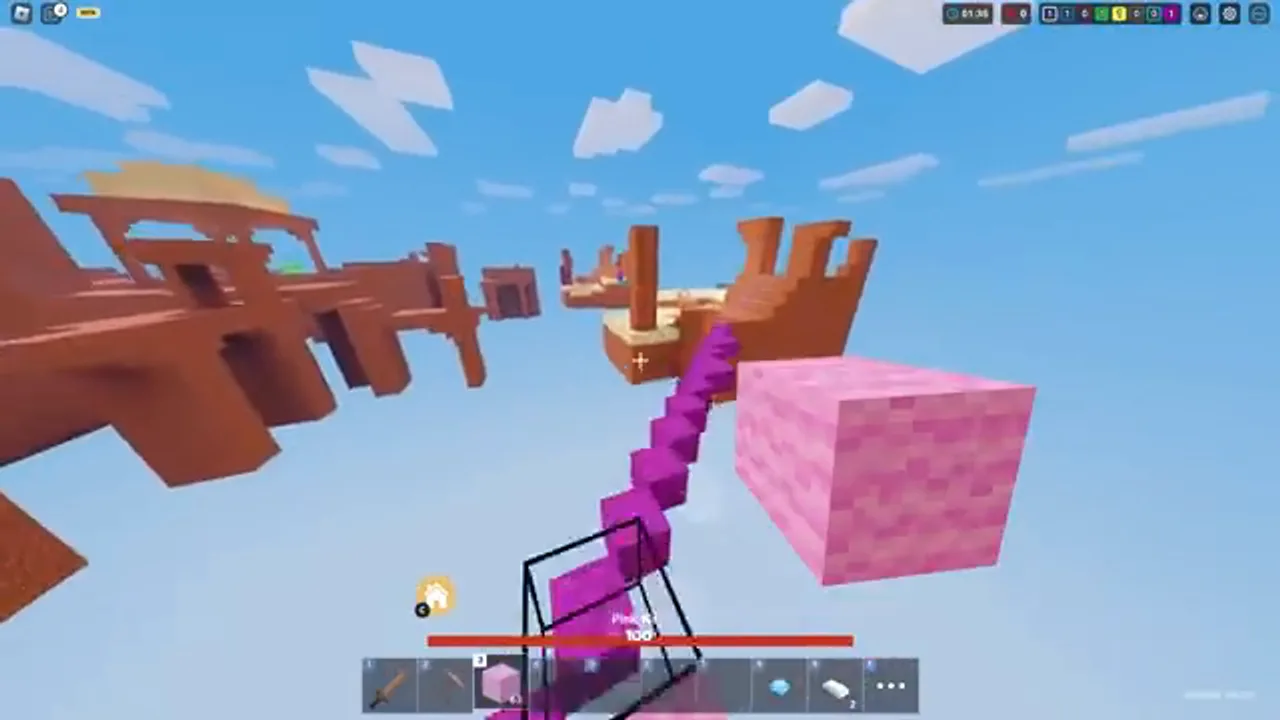
In April 2023 I made a video called How I Get 1000 FPS in Roblox BedWars. It's been watched over 33,000 times, and people still ask me about it. The problem: the trick in that video doesn't work anymore. Here's what I did back then, what Roblox changed, and what you should do today to get the smoothest BedWars possible.
What I did in 2023
Back then, Roblox was capped at 60 FPS, and on a good PC that felt slow in a fast game like BedWars. The trick was a settings file. You opened Roblox's install folder, made a new folder called ClientSettings, and put a small text file in it with a list of settings (called "fast flags") that told Roblox to run at a much higher frame rate. That's how I got FPS way above 60, sometimes near 1,000.
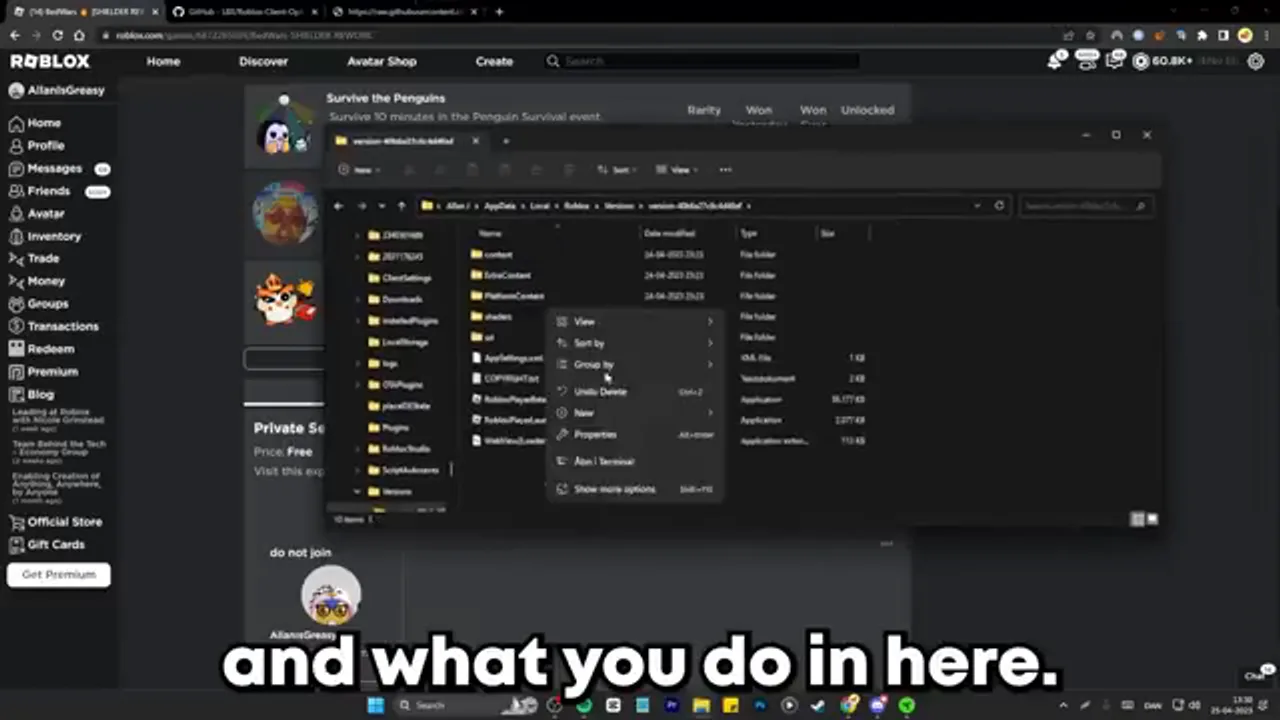
Even in the video I said to do it at your own risk, and that you had to redo it every time Roblox updated, because each update installs into a fresh folder.
Why it stopped working
Two things changed.
- Roblox added a real FPS setting. In 2024 Roblox added Maximum Frame Rate to the in-game settings, so you don't need a trick to get past 60 FPS anymore.
- Roblox locked down the settings file. On September 29, 2025, Roblox started only accepting an approved list of fast flags from that file. The frame rate flag my video used isn't on the list, so Roblox now just ignores it. No error, nothing happens.
Tools that promised to "unlock" your FPS by doing the same thing have the same problem. I wouldn't download them anymore, especially random programs from the internet.
How to get the best FPS now
1. Turn up Maximum Frame Rate
In any Roblox game, press Esc, open Settings, and find Maximum Frame Rate. Pick the highest option your monitor can use: 60, 120, 144 or 240 FPS. If you have a 144 Hz monitor, 144 is the sweet spot.
Why not 1,000? Roblox caps it at 240 on purpose. The game's physics run 240 times a second, so frames above that don't make the game respond any faster.
2. Lower Graphics Quality if you drop frames
Still in Settings, switch Graphics Mode to Manual and lower the Graphics Quality slider until your FPS stays steady. In BedWars a steady frame rate matters more than nice shadows. When lots of people are bridging and fighting at once, a lower setting keeps it smooth.
3. The quick PC checks
- Play in fullscreen. It usually runs smoother than a small window.
- Close other programs, especially browsers with lots of tabs and anything recording in the background.
- Plug in your laptop. Laptops often slow themselves down on battery.
- Update your graphics driver from NVIDIA, AMD or Intel's own site.
4. Check your FPS
Press Shift + F5 in a Roblox game to see your frame rate, so you can tell whether a change actually helped.
Was 1,000 FPS worth it?
Honestly, 240 FPS on a good monitor is already very smooth, and it's what Roblox is built for. The official setting is safer, it doesn't break when Roblox updates, and you don't have to touch any files. I'd use that.
If you like BedWars videos, you can find my channel here. And for another PC trick that still works, see how to change your crosshair in Roblox.