Game guides
How to Change Your Crosshair in Roblox (BedWars and Any Game)
 By AllanIsGreasy · updated Oct 1 · 3 min read
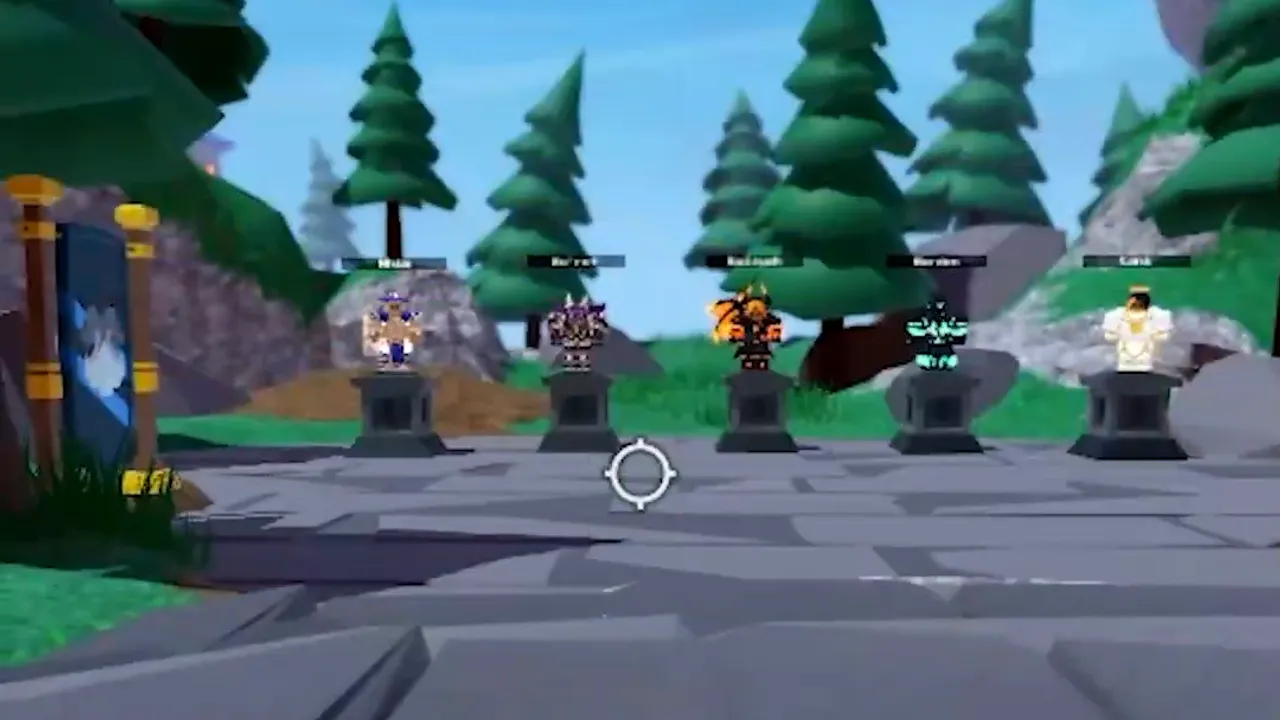
The default Roblox cursor is a white arrow, and in a fighting game like BedWars it's easy to lose in the middle of a fight. A small crosshair in the middle of the screen makes aiming a lot easier. I made a YouTube short about this back in 2023, and it's still one of the questions I get most, so here's the full written version with the screenshots from that video.
This works on Windows, with Roblox installed from roblox.com. It changes the cursor in every Roblox game, not just BedWars.
What you're actually doing
Roblox keeps its cursor pictures as normal PNG files on your computer. If you replace them with a crosshair picture that has the same file name, Roblox shows your crosshair instead. It only changes pictures on your own PC. It doesn't touch the game, your account or anyone else's screen.
Before you start: your crosshair pictures
You need a crosshair image saved as a PNG with a transparent background. You can draw one yourself in any image editor (Paint.NET and Photopea are free), or use one you already have. Keep it small, around 32 to 64 pixels across, with the middle of the crosshair in the middle of the image.
Make copies of it with these exact names and put them together in a folder, for example Documents\Crosshair:
ArrowCursor.pngArrowFarCursor.pngMouseLockedCursor.png
The names have to match exactly, capital letters included, or Roblox won't use them.
Step 1: Close Roblox and find its folder
- Leave the game and close Roblox completely.
- Press the Windows key and type Roblox Player.
- Right-click Roblox Player and choose Open file location. If that opens a folder with a shortcut in it, right-click the shortcut and choose Open file location again.
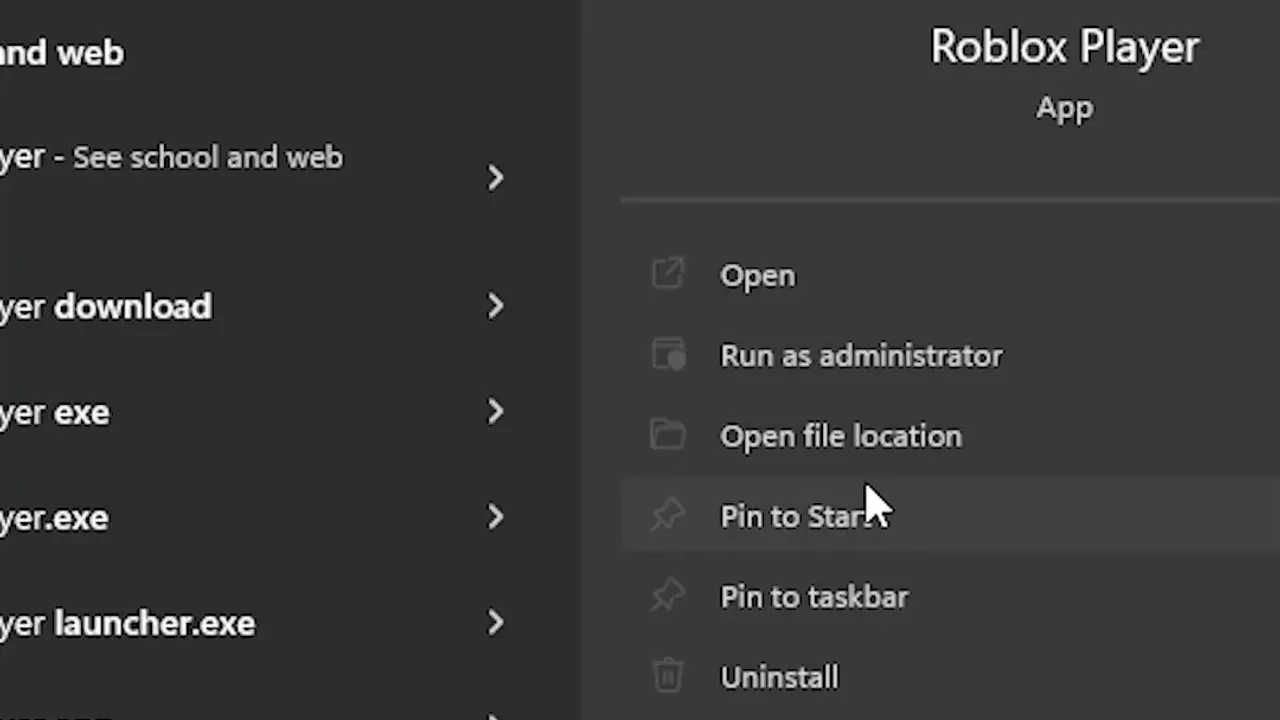
You'll end up in a folder called something like version-b467400c8f8e4097 inside AppData\Local\Roblox\Versions. The random letters are different on every computer and change with every Roblox update.
Step 2: Open the cursor folder
Go into content, then textures, then Cursors.
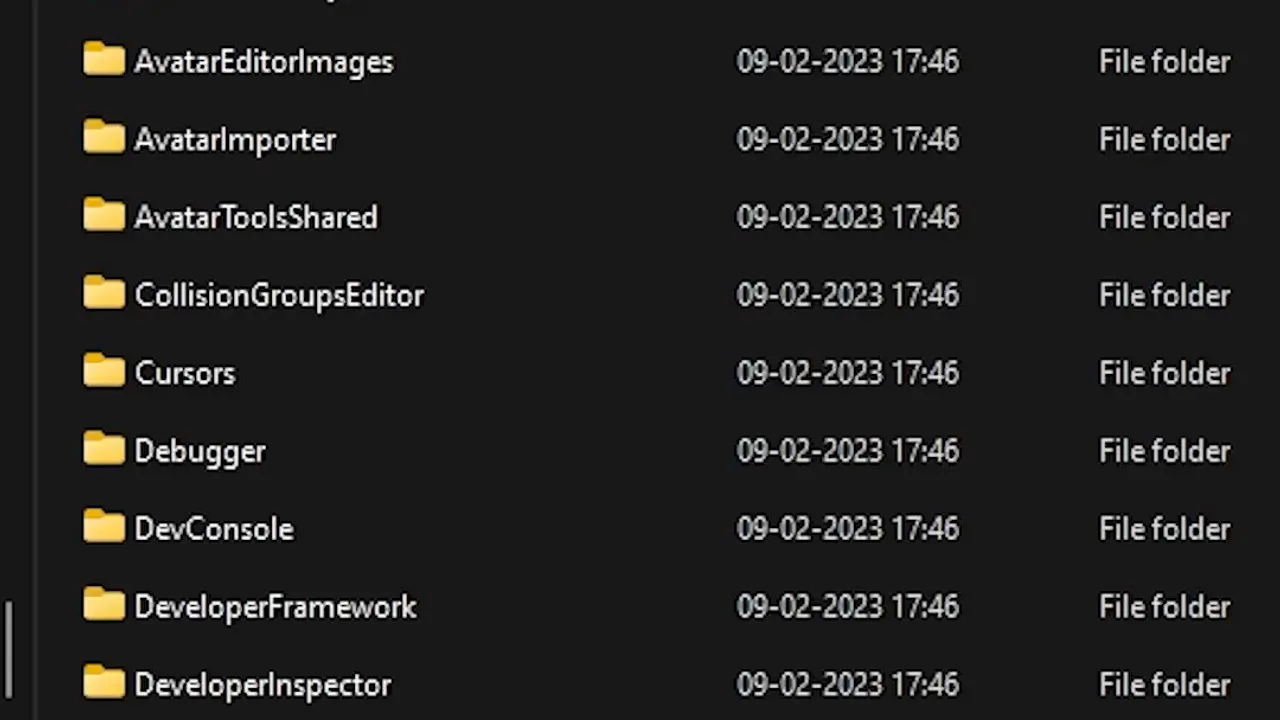
In Cursors you'll see a folder called KeyboardMouse. Open it. This is where Roblox keeps the normal PC cursor: ArrowCursor.png, ArrowFarCursor.png and IBeamCursor.png (the text cursor).
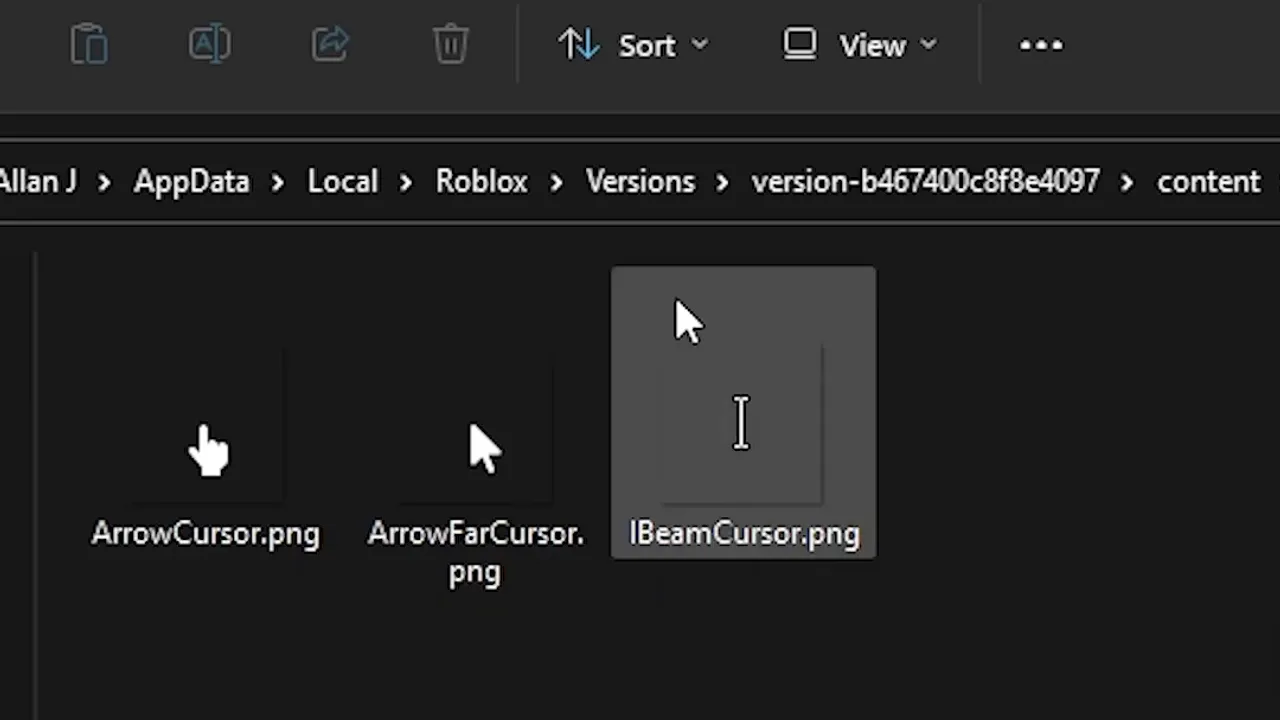
Tip: copy the original ArrowCursor.png and ArrowFarCursor.png somewhere safe first, so you can switch back later.
Step 3: Paste your crosshair in
- Copy your three crosshair files from your Crosshair folder.
- Paste them into KeyboardMouse.
- Windows says the folder already has files with the same names. Choose Replace the files in the destination.
Leave IBeamCursor.png alone. That's the cursor for typing in chat and text boxes.
In my video I also pasted ArrowCursor.png and ArrowFarCursor.png into the Cursors folder itself, one level up, to be sure every game picks them up.
Step 4: Start Roblox and test it
Open Roblox and join BedWars (or any game). Your crosshair should now be the mouse cursor. If it only changes some of the time, check the file names again. That's almost always the problem.
Roblox updates will undo it
Every time Roblox updates, it installs into a new version-... folder with fresh default cursors, so your crosshair disappears. When that happens, do steps 1 to 3 again. Keeping your three files in Documents\Crosshair makes it a one-minute job.
How to undo it
Paste your backup copies of the original files back into KeyboardMouse and replace. If you didn't make a backup, just wait for the next Roblox update, which puts the default cursor back by itself.
Common questions
Can this get me banned? It only swaps picture files on your own computer, and many players do it. It doesn't change the game or give you any information other players don't have.
Does it work on Mac, phone or console? No. This guide is for the Roblox app on Windows. Phones and consoles don't have a mouse cursor to replace.
Does it work in Rivals and other shooters? It changes the Roblox cursor everywhere, but games like RIVALS draw their own crosshair when you aim, so you'll mostly notice it in games that use the normal cursor, like BedWars.
Looking for free stuff too? Check the Rivals codes and all the games with working codes.